Bhai Dooj Lightroom Presets 2026: Aarti Warm Tones
November 11 brings the last festival of Diwali week, when a sister puts a tilak on her brother’s forehead and prays for his long life. Phones come out for that moment every year, yet the photos rarely do it justice: yellow room light, dark corners, and colours that look nothing like the evening felt. A good preset closes that gap in seconds, warming the skin tones and lifting the festive glow without any manual editing.
Bhai Dooj Lightroom Presets 2026 fix that in one tap. The pack holds five free presets tuned for real Bhai Dooj scenes, from tilak close-ups to indoor sibling portraits. In this guide, you will get the free download, a simple install process for desktop Lightroom, practical tips for indoor festival shots, and clear answers to the common questions about festival photo editing.
What Are Bhai Dooj Lightroom Presets 2026?
A Lightroom preset is a saved set of edit settings, exposure, color, warmth, contrast, that you apply to a photo in a single tap instead of adjusting twenty sliders by hand. Festival presets go one step further: they are tuned for the specific light of the occasion. Bhai Dooj Lightroom Presets 2026 are tuned for warm indoor light, tilak reds, marigold yellows, and the soft skin tones of sibling portraits. A generic “warm” filter pushes everything orange and turns white kurtas yellow; these keep faces natural while letting the tilak and the festive colours stay rich.
Shooting the tilak moment in a living room with mixed tube light and window light? If the skin tones look patchy and the red tilak looks washed out, apply a Bhai Dooj preset first and then adjust exposure slightly. The preset balances the mixed light before you touch anything else.
Fresh Bhai Dooj preset downloads land here through the festive season, so the next sibling portrait pack will show up at Bhai Dooj preset downloads in the same place.
Inside the Pack: 5 Presets for Every Bhai Dooj Moment
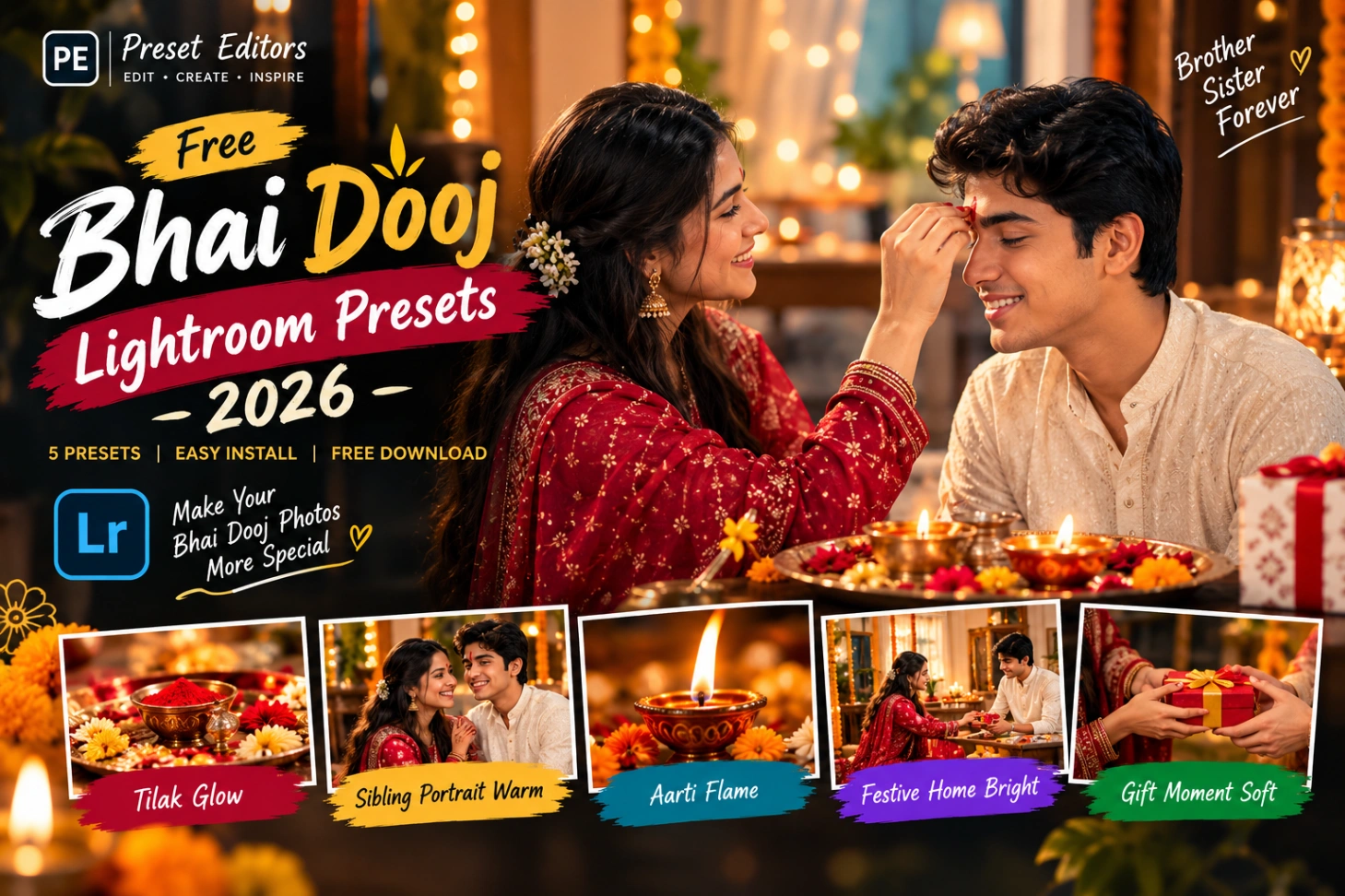
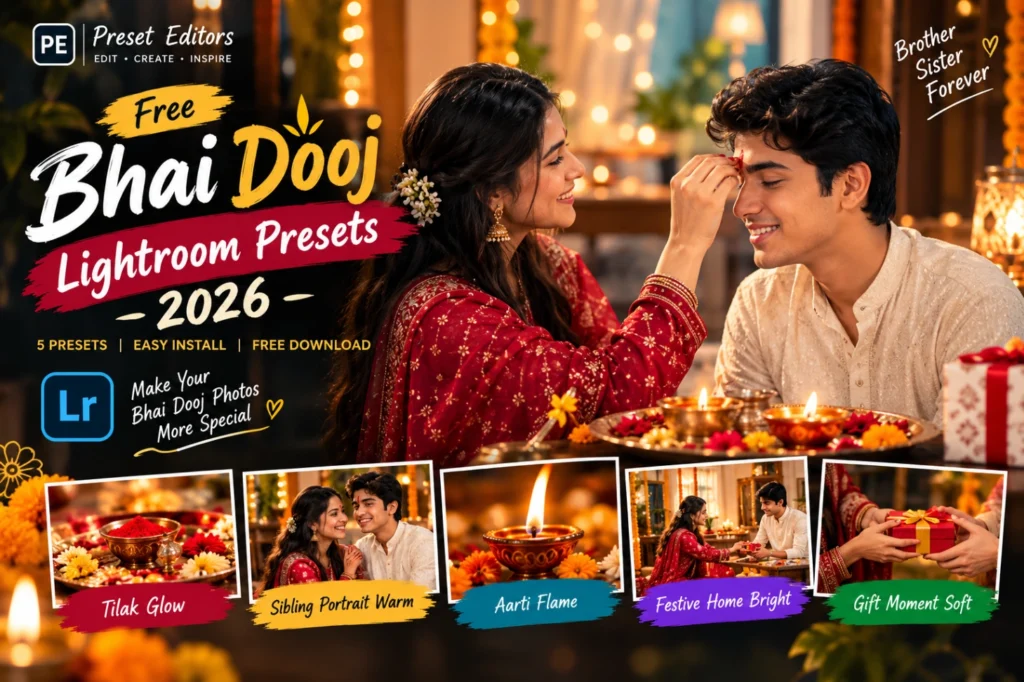
Five presets, each made for a different moment:
- Tilak Glow. Deepens the reds of the tilak and warms the midtones without oversaturating skin. Best for: tilak ceremony photo presets and close-ups.
- Sibling Portrait Warm. A soft warm grade with gentle, flattering tone for faces. Best for: brother and sister portraits.
- Aarti Flame. Keeps diya flames golden and stops bright spots from blowing out. Best for: aarti thali and diya shots.
- Festive Home Bright. Lifts dull indoor light and cleans up yellow tube-light casts. Best for: living-room family photos.
- Gift Moment Soft. Balances tones for candid, unposed shots in mixed light. Best for: gift exchange and blessing moments.
Download the Bhai Dooj Preset Pack Free
Download the Bhai Dooj Lightroom Presets 2026 Pack (.XMP)
The pack includes all 5 presets as .XMP files in a single zip. Download it to your computer, unzip, and the presets are ready to import into Lightroom. If you also edit Karwa Chauth photos from the same festive week, the Karwa Chauth preset pack handles moonlight portraits with the same one-tap method.
How to Install Them in Lightroom
These are XMP presets, so they install in the desktop version of Lightroom (Classic or the cloud-based Lightroom app):
- Download and unzip the pack on your computer. You will see 5 .XMP files.
- Open Lightroom and go to File > Import Develop Profiles and Presets.
- Select all 5 .XMP files and click Import.
- Find them under the Presets panel in the Develop module, inside the User Presets group.
- Click any preset to apply it to your photo and preview the look instantly.
- Fine-tune with the Exposure slider if your photo is brighter or darker than average. Every camera meters indoor festival light a little differently.
Tips for Better Tilak Photos
Small shooting choices matter more than any preset. Use this table before you edit:
| Tip | Why it works |
|---|---|
| Shoot the tilak near a window, not under a tube light | Natural daylight keeps skin tones honest and the tilak red true |
| Underexpose slightly when diyas are in the frame | Shadows can be lifted later; blown flames can never be recovered |
| Rest your phone on a table for indoor evening shots | Indoor photos blur easily, and no preset can fix motion blur |
| Photograph the thali from a slight angle, not flat above | A gentle angle keeps the tilak, sweets, and diya all visible at once |
| Apply the preset first, then adjust exposure | Presets are built on balanced exposure; tweaking sliders first breaks the balance |
When your Bhai Dooj album is mostly indoor portraits under yellow light, open with Festive Home Bright. That preset was built for exactly that flat, mixed-light look.
Mistakes That Spoil a Sibling Portrait
| Problem | Quick fix |
|---|---|
| Tilak looks pink instead of deep red | Lower the Highlights slider slightly before applying the preset |
| Faces turn too yellow | Reduce Warmth a little. Skin should look natural, not tinted |
| Indoor photo looks grainy after editing | Indoor shots already carry noise. Avoid pushing Shadows above +40 |
| Background clutter steals attention | Crop tighter before editing, so the siblings fill the frame |
| Every photo gets the same preset | Match the preset to the scene: Tilak Glow for tilak, Sibling Portrait Warm for portraits |
Sibling portraits shot against busy curtains or shelves sometimes need a different starting point. A clean crop plus Festive Home Bright keeps the focus on the faces while the background stays calm.
Bhai Dooj Presets vs Normal Warm Presets
Not every warm preset understands Bhai Dooj. A generic warm filter pushes the whole photo orange, faces, walls, clothes, everything. Bhai Dooj Lightroom Presets 2026 work more selectively: they warm the midtones and enrich the tilak reds while protecting skin tones and stopping white kurtas and walls from turning yellow. That selective touch is what keeps a photo looking festive instead of filtered.
For bhai dooj photo editing, the indoor setting is the real challenge, not the colours. Tube lights, low windows, and evening diyas all mix into one frame. These presets are built for that mixed festival indoor photo editing, so the photo keeps its real mood instead of looking like a filter was pasted on top.
Final Words
Bhai Dooj comes just once a year, and those sibling photos deserve more than a quick filter. Download the pack, match each preset to its scene, and your 2026 album will carry the real warmth of the evening. This time, the edit will finally match the moment you remember.
If you also cut a reel from the same Diwali week, the Diwali CapCut template turns those clips into a ready festive video. Grade the photos first with these sibling portrait presets, then stitch the best moments into a reel for the whole family.