Indian Wedding AI Photo Editing Prompts 2026: Shaadi Glow
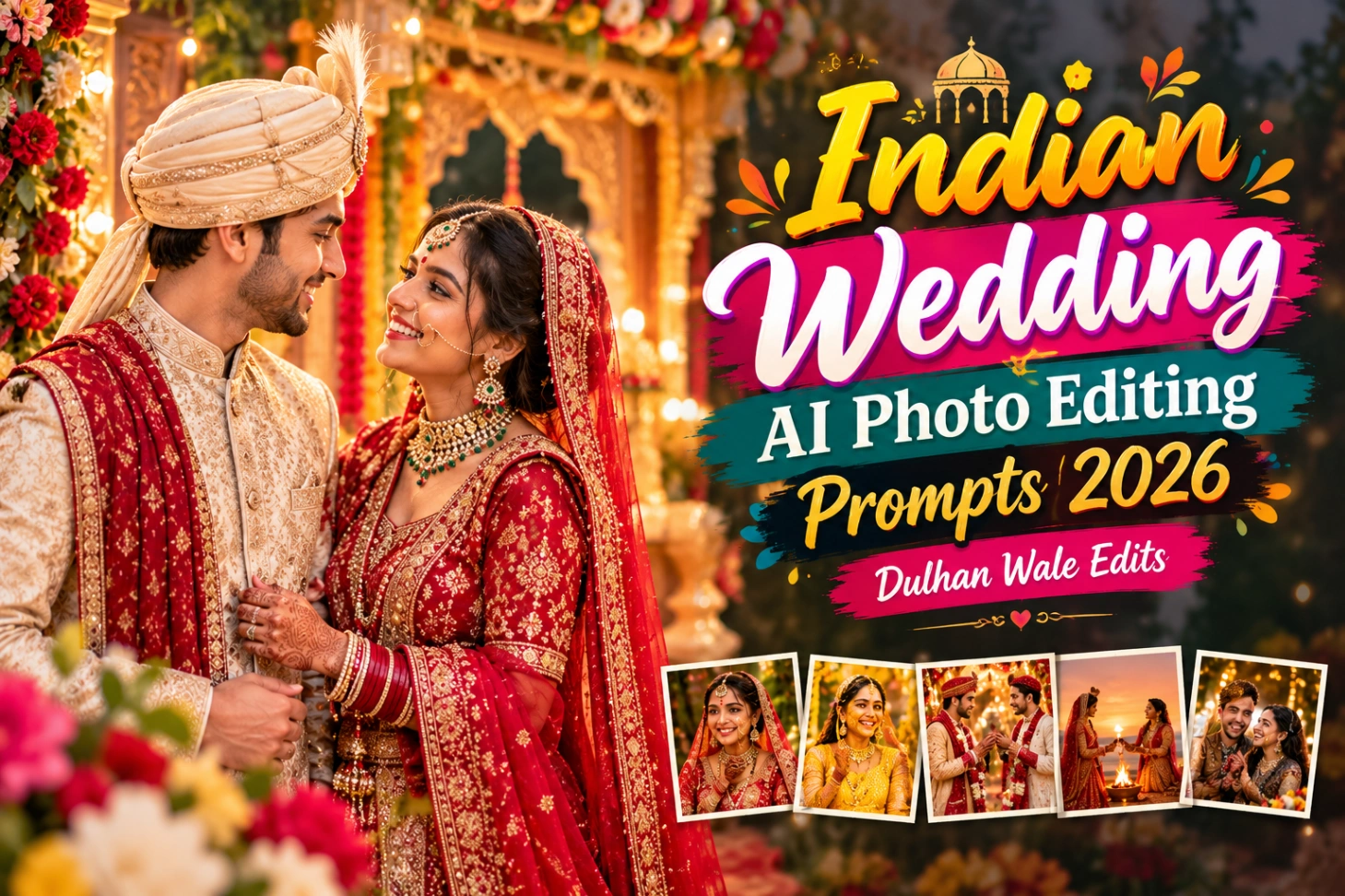
November opens India’s wedding season, and every phone in the baraat turns into a camera. By the end of the night you have two hundred photos and maybe three worth keeping. Harsh sunlight, crowded backgrounds, and flat colours spoil the rest, and hiring an editor for all of it costs a fortune. Indian Wedding AI Photo Editing Prompts 2026 are the shortcut for shaadi photo editing without hiring an editor. Below are five bridal AI portrait prompts and couple photo prompts for Gemini and ChatGPT, a plain four-step method, practical tips for cleaner results, and straight answers to common wedding-editing questions.
What Are Indian Wedding AI Photo Editing Prompts 2026?
Think of an AI prompt as a text message to a very skilled editor. You upload the wedding photo, describe the look you want in plain language, and the AI reconstructs the image around your real faces. There are no sliders to learn and no apps to install. Writing “bride in red lehenga with gold zari, palace courtyard, warm evening light” is enough direction for a full portrait rebuild.
The reason these are wedding-specific is simple: no two functions share the same atmosphere. A haldi morning bursts with yellow energy, pheras unfold in firelight at dusk, and receptions shimmer under chandeliers. One generic prompt cannot dress all three occasions. Each of the five below targets a single ceremony, so the edit always fits the event.
The 5 Prompts: One for Every Wedding Function
Five prompts, each built for a different function:
- Royal Bridal. A regal portrait in red lehenga with gold zari, palace courtyard behind. Best for: the album cover.
Transform my uploaded bridal photo into a regal portrait: deep red lehenga with gold zari work, heavy kundan jewellery, soft veil. Keep the face exactly the same. Place her in a heritage palace courtyard with carved arches, marigold and rose decor, warm golden light filtering through. Cinematic, ultra-detailed, natural skin texture, 4K wedding photography.
- Haldi Glow. Bright turmeric-glow portrait with marigold blur and morning sun. Best for: haldi ceremony photos.
Edit my photo into a joyful haldi ceremony portrait: yellow marigold background blur, turmeric paste glow on skin, bright morning sunlight. Preserve facial identity perfectly. Fresh, radiant, candid laughter feel, vibrant yellows and greens, photorealistic festive photography.
- Varmala Moment. The garland exchange with petals frozen mid-air. Best for: the most shared photo of the day.
Edit my uploaded couple photo into the varmala ceremony moment: both exchanging garlands of red roses and marigold, flower petals frozen mid-air around them. Keep both faces exactly the same. Grand mandap background with flowers and drapes, warm celebratory lighting, cinematic wedding photography, ultra-detailed.
- Pheras at Sunset. The couple circling the sacred fire under an orange sky. Best for: the most emotional frame.
Transform my photo into a dreamy pheras scene at sunset: couple circling the sacred fire, flames glowing warm, orange and pink sky behind. Preserve both faces. Romantic, cinematic, soft glow on faces, traditional attire in rich colours, photorealistic and emotional.
- Candid Laughter. An unposed laughing shot with blurred fairy-light background. Best for: a natural feed post.
Convert my couple photo into a candid laughing shot during the festivities: genuine smiles, slight motion, joy frozen in time. Faces unchanged. Background of blurred wedding guests and fairy lights, warm tones, natural and unposed, professional candid wedding photography style.
Running the Prompts in Gemini and ChatGPT
The method never changes, whatever the function:
- Attach the photo first. Open Gemini or ChatGPT and upload the wedding photo before typing anything. Without a real face attached, the model invents strangers.
- Paste the full prompt. Copy the entire quote box text and fire it off together with the photo.
- Check the first result. It usually lands close to the mark within seconds.
- Correct by chatting. If a face shifted or a hand looks wrong, reply with “preserve the uploaded face with zero changes” and the AI fixes that part.
People who skip step one get the worst results in this whole process. Everything the AI builds hangs off the uploaded face, so that attachment is the foundation of the edit.
Tips for Better Wedding Edits
Wedding frames are busier than festival selfies, which is why generic couple photo prompts often fail here. Small prep choices decide the outcome. Skim this table before you start pasting:
| Tip | Why it works |
|---|---|
| Crop to the couple before uploading | Tiny faces in wide shots cannot be rebuilt accurately |
| Prefer shade or golden hour originals | Harsh midday shadows survive even the prettiest prompt |
| Keep the outfit description honest | Repainting a pink lehenga red is where jewellery melts |
| Blur busy backgrounds | Sharp crowds pull focus and confuse the model |
| Run one photo per chat | Fresh chats keep the face lock tighter than long threads |
If your baraat shots came out dark and noisy, start with the Candid Laughter prompt. Its warm tones and blurred background forgive the most damage of the five.
For more packs as the season goes on, the wedding photo editing prompts on PresetEditor are updated regularly.
Mistakes to Avoid Before Posting
| Problem | Quick fix |
|---|---|
| The bride’s face shifted | Reply “preserve the uploaded face with zero changes” |
| Jewellery looks melted | Add “intricate jewellery, sharp and detailed” to the prompt |
| Fingers look broken | Re-upload a sharper original; blur hurts hands most |
| Colours came out dull | Add “rich colours, warm festive lighting” and regenerate |
| Every photo looks the same | Rotate prompts by function instead of forcing one look |
Reception photos shot under mixed DJ lights are the trickiest batch. If skin tones go green or magenta, run the Royal Bridal prompt: its warm grade neutralises the worst colour casts.
AI Prompts vs Hiring an Editor
A freelance wedding photo editor charges per photo, takes days, and still needs your direction on every frame. For a full wedding gallery the bill climbs fast, and the back-and-forth eats the week after the wedding. You pay for skill, but you also pay for someone else’s schedule.
AI prompts flip that deal. The edit costs nothing, lands in a minute, and follows your words exactly. The trade-off is control: an editor can fix anything, while a prompt works best when the upload is decent. For social posts, family albums, and quick prints, prompts win easily. For the ten hero shots of the coffee-table album, a human editor still earns their fee.
Celebrating siblings too this season? The Bhai Dooj AI prompts use the same four-step method for tilak ceremony portraits.
Final Words
A wedding album once needed a professional editor and a week of patience. Now it needs five prompts and a phone. Match each prompt to its ceremony, upload clear photos, and the 2026 season will look the way it felt.
If you prefer one-tap colour grades over AI rebuilds, the Indian wedding Lightroom presets cover baraat, pheras, haldi, reception, and sangeet. Grade first with presets, then restyle favourites with prompts.